 |
|||||
 |
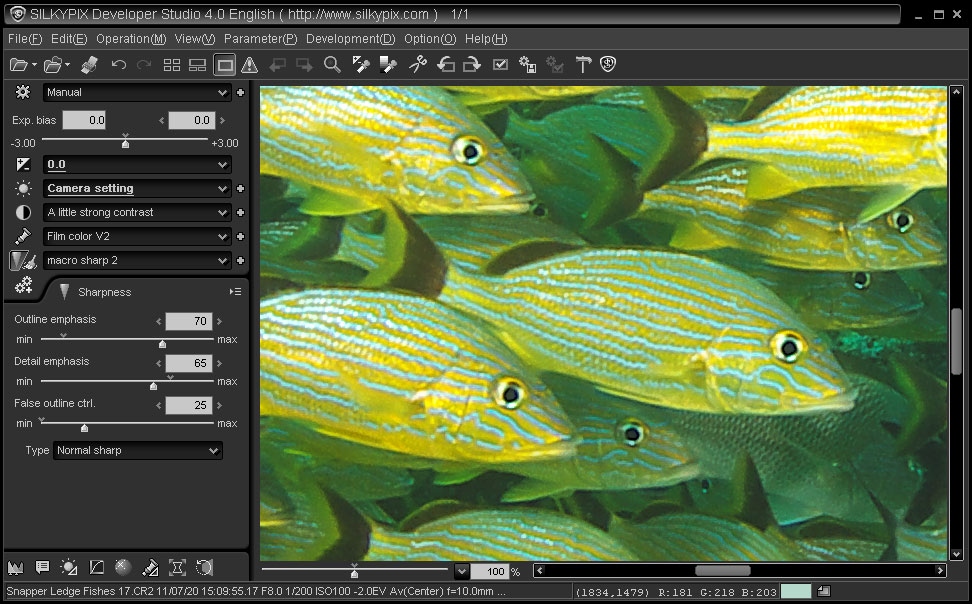
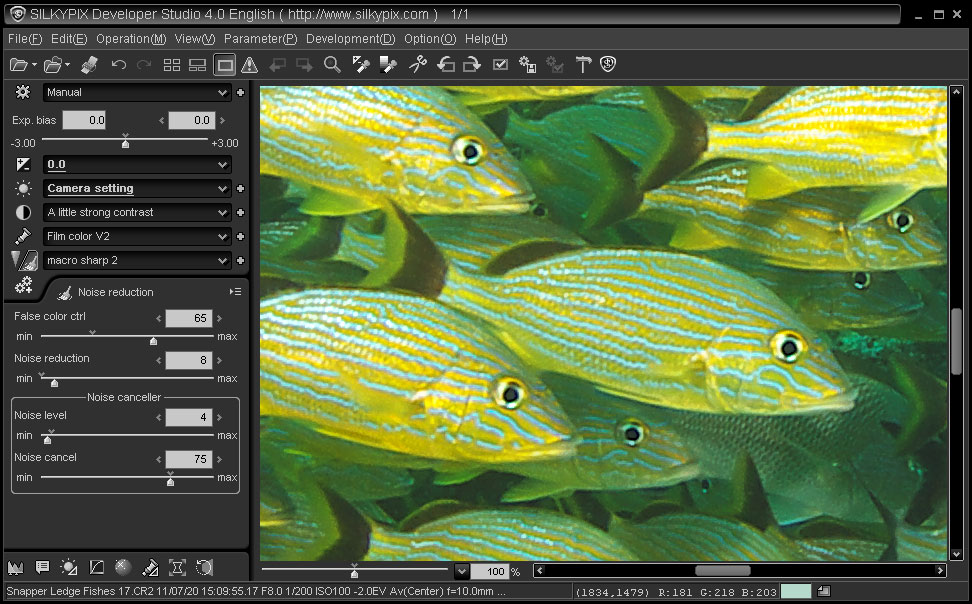
Home > Photo > Classroom > Silkypix 3+ Sharpness & Noise Reduction RAW conversions using Silkypix version 3 and higher
Sharpness & Noise Reduction
|
||||
 |
|
|||||
|
Home > Photo > Classroom > Silkypix 3+ Sharpness & Noise Reduction RAW conversions using Silkypix version 3 and higher
Sharpness & Noise Reduction
|
||||
|