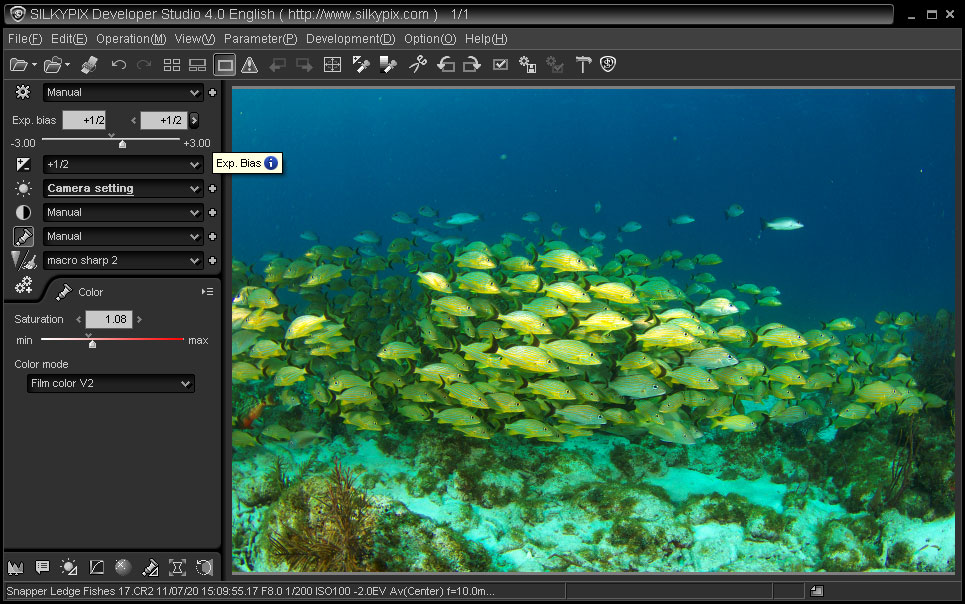
| White Balance should be adjusted after contrast, black
level, color mode, and exposure are set. This step is the most
difficult part of the conversion process but in most cases here is where
you finally see the image's potential. Past experience with
several different cameras has shown that default WB settings need to be
adjusted to produce great results, some cameras more than others.
Lots of practice is necessary to master color correction. This is
especially true for images shot with mixed lighting and underwater.
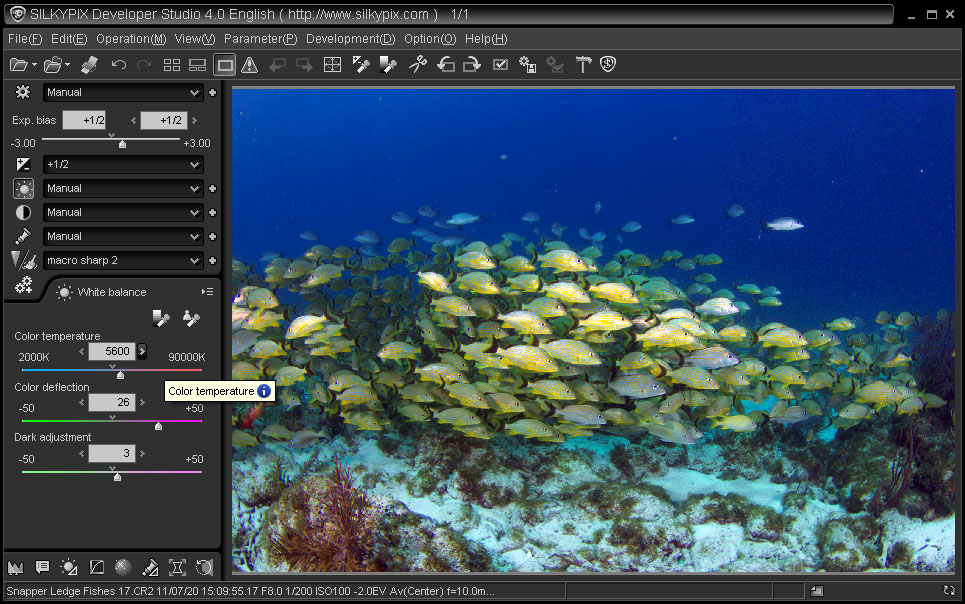
The primary control is the Color temperature slider, those accustomed
to standard RGB/CMY controls will take time to get the feel for
this. The initial image WB will either be too warm or cold, so
move the slider toward the opposite color, watching the highlights until
the whites begin to look right. If the highlights continue to have
a green or magenta color cast use the Color deflection control until the
whites look good. The Dark adjustment doesn't get much use but may
be necessary to fix warm or cold shadows. Remember that switching
a Color Mode now will necessitate new white balance adjustments.
|