Home > Photo > Classroom > Silkypix 3+ Other Adjustments

RAW conversions using Silkypix version 3 and higher

    9   

Other Adjustments

A series of tools are provided for cropping and rotation as well as others accessed from icons along the lower left pane.  The effects from many of these tools defy easy explanation so it is best to play with the controls to understand what they do.  I rarely use these.

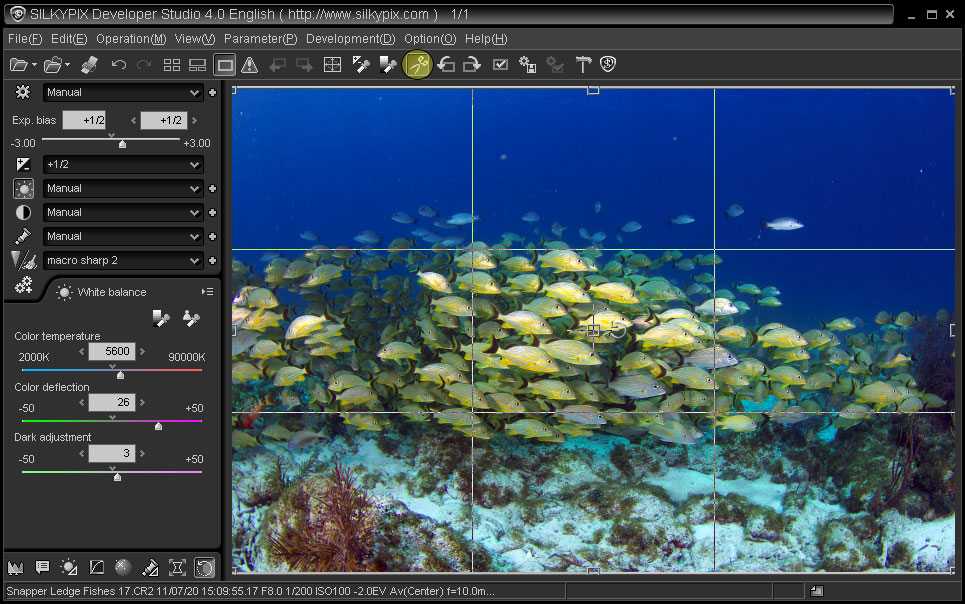
Cropping can be done using the Trimming tool (scissors icon) by clicking and dragging the frame corners to the desired size.  Drag from the middle to move the entire selection, or click on the flip control in the middle to create a vertical image.


Crop image using Trimming tool


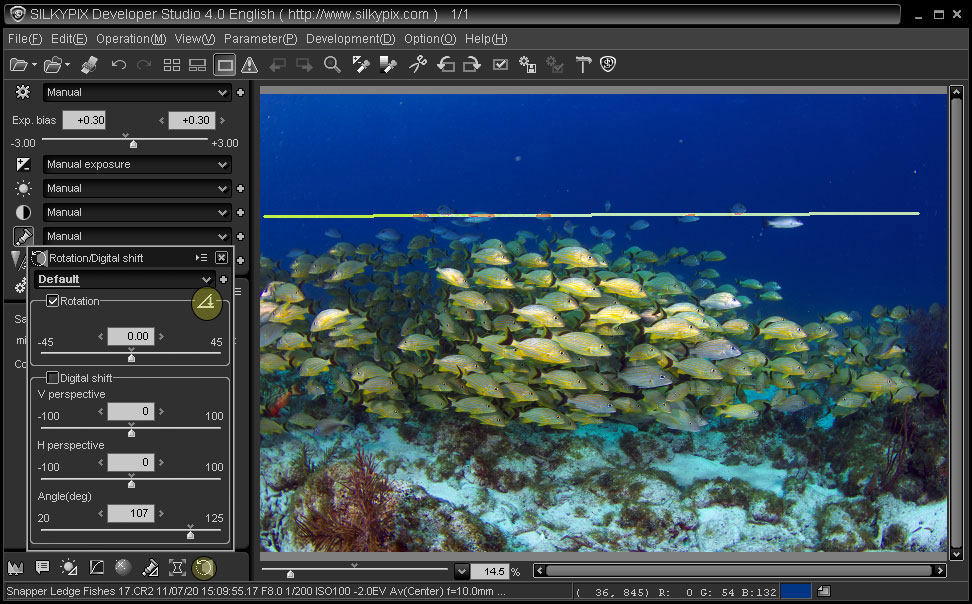
Crooked horizons can be straightened using the Rotate tool.  Click on the Rotation icon then click-drag across the image along the line you wish to be leveled either horizontally or vertically.  You can also apply lens perspective corrections by playing with the Digital shift sliders.


Rotate or straighten crooked horizon using rotation tool


    9